


Post Detail
BackAxon ERP Official
1 hr ago
What Keeps a Supermarket Running Smoothly Behind the Shelves?
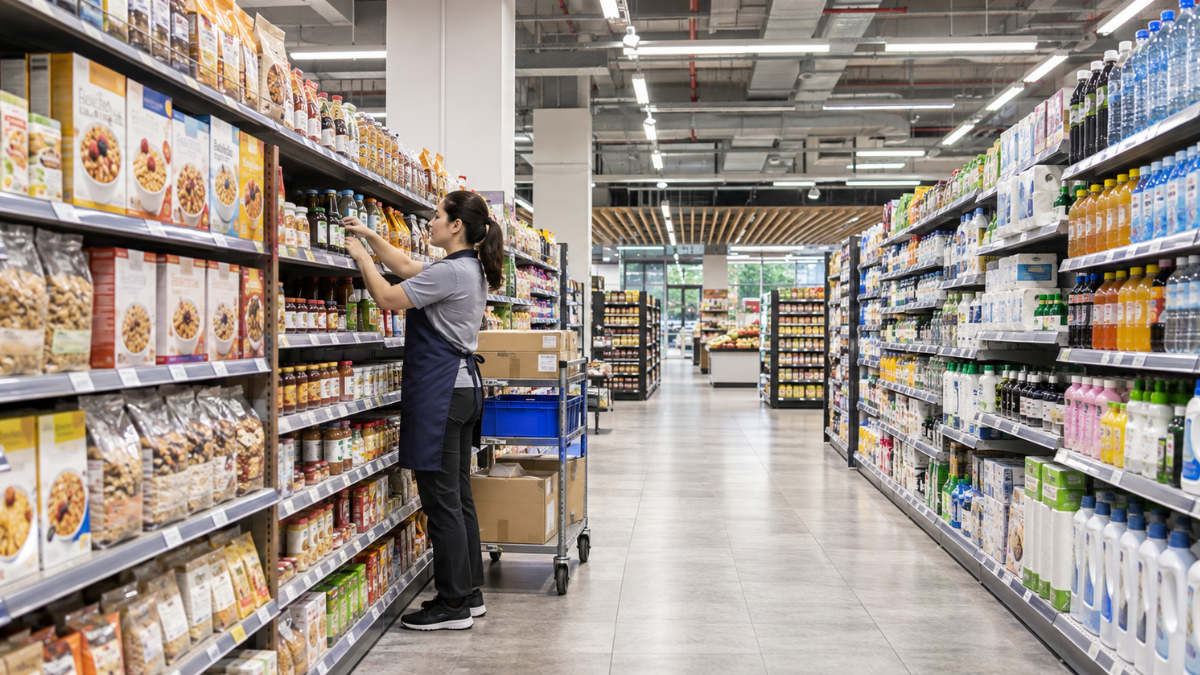
A supermarket may look simple from the customer's side: products are arranged on shelves, customers pick what they need, and cashiers process their purchases. Behind these everyday activities, however, several business operations must work together. Product records, purchasing, supplier coordination, stock receiving, inventory movement, billing, and reporting all contribute to keeping the business running smoothly.
A supermarket management system helps bring these activities into a more organized workflow. Instead of managing sales, stock, and purchasing through disconnected records, supermarket owners can use an integrated system to improve operational visibility, reduce repetitive manual work, and make more informed business decisions.
The challenge is not simply keeping products available. It is maintaining accurate information across the entire process, from purchasing goods to recording the final sale. Understanding how these activities connect can help supermarket owners identify operational gaps and choose software that supports their actual business requirements.
Why Supermarket Operations Become Difficult as a Business Grows
Managing a small grocery store may initially seem straightforward. The owner knows which products sell quickly, when to contact suppliers, and which items need replenishment. As the number of products, daily transactions, suppliers, and employees increases, relying on memory, spreadsheets, and separate records becomes increasingly difficult.
Consider a supermarket that handles hundreds of transactions every day. Every sale affects available stock. Every purchase changes inventory. Incoming goods need to be checked, and management needs accurate information about what is selling and what requires attention.
When these activities are not properly connected, several problems can develop.
Stock Information Does Not Match Physical Inventory
A product may appear available in the records even though its actual quantity is different. This can happen when sales, receiving, transfers, or stock adjustments are not recorded consistently.
Employees may spend time checking shelves and storage areas to confirm availability. In some cases, the supermarket may reorder products unnecessarily or discover a shortage only when customers ask for an item.
This is one reason retail stores run out of stock even when inventory shows available. The problem is not always insufficient purchasing; it can also be inaccurate or disconnected inventory information.
Purchasing Decisions Become Less Reliable
Without a clear view of current stock and purchasing history, employees may order products based on assumptions. They may purchase items that are already available in storage while overlooking products that need replenishment.
This can tie up working capital in unnecessary inventory and make it harder to maintain the right product availability.
Billing and Inventory Records Become Disconnected
When checkout transactions are recorded separately from inventory, employees may need to update stock records manually. Delayed updates can create differences between recorded quantities and actual stock.
Management Has Limited Operational Visibility
Owners may know total daily sales but still lack answers to important questions: which products are moving quickly, where stock is held, which purchases are pending, and which items require attention.
These challenges become more noticeable as the supermarket expands. A structured management system helps connect the information required to coordinate daily operations.
Product Records: The Foundation of Supermarket Management
Before a supermarket can manage purchasing, inventory, or sales accurately, it needs organized product information.
A product record can include the product name, category, unit of measurement, selling price, barcode, and other relevant item details. When these records are incomplete or inconsistent, the same product may be entered differently across purchasing, stock, and billing activities.
For example, a supermarket may sell different sizes or variations of the same product. Employees need to identify the correct item when receiving stock, checking availability, or processing a customer transaction. Consistent product records reduce confusion and help maintain reliable business information.
Why Product Categorization Matters
Supermarkets handle products across many categories, including groceries, beverages, household supplies, personal care products, and packaged foods. Organizing items into suitable categories makes product information easier to maintain and review.
It also helps management analyze sales and inventory at a more useful level. Instead of reviewing a long, unorganized list of products, employees can work with structured records.
A properly maintained item database also reduces repeated data entry. Once an item has been created with the necessary details, the same record can support relevant purchasing, inventory, and sales activities.
For a closer look at how businesses organize product information, see item management in ERP software.
The Role of Barcodes in Product Identification
Product identification is another important part of supermarket operations. Barcodes help employees identify products during checkout and other supported operational activities.
However, barcode scanning is only useful when the product record and barcode information are accurate. If a barcode is assigned to the wrong item or product information is outdated, employees may face billing and stock-recording problems.
Businesses should maintain consistent product identification practices and understand relevant GS1 product identification standards where applicable.
Purchasing and Supplier Coordination
A supermarket cannot keep its shelves stocked without a consistent purchasing process. Products must be ordered from suppliers according to business requirements, current stock levels, and expected sales needs.
However, purchasing decisions become difficult when employees do not have reliable inventory information.
For example, a staff member may order additional products because the available quantity is unclear, even though sufficient stock is already present in the stockroom. In another situation, a fast-selling item may run out because replenishment was delayed.
What an Organized Purchasing Process Should Include
A structured purchase management process helps businesses organize purchasing activities and maintain clearer records of supplier-related transactions.
Before placing an order, supermarket staff should be able to review:
- Current stock availability and the quantity required.
- Products that need replenishment.
- Pending purchases and incoming deliveries.
- Supplier details and previous purchasing records.
- Required quantities and relevant purchase prices.
These details help employees make purchasing decisions using recorded business information rather than assumptions.
Connecting Purchasing with Inventory
Purchasing and inventory should not operate as isolated activities. When a supermarket orders products, the expected incoming quantity should be distinguishable from the stock already available.
After the goods are received and recorded, inventory information should reflect the accepted quantities according to the business's receiving process.
This relationship is particularly important because supermarkets can lose money through unnecessary purchases, stock shortages, and poor coordination. Businesses can explore purchase and inventory control to understand why these two functions should be managed together.
A connected process also makes it easier for management to review what was ordered, what was received, and what remains to be fulfilled.
Receiving and Verifying Incoming Stock
Placing a purchase order is only one part of the purchasing process. When suppliers deliver products, supermarket staff must receive and verify the goods before treating them as available inventory.
For example, a supplier may deliver fewer units than ordered, provide a different product, or deliver quantities that do not match the purchase record. If these differences are not identified, inventory information can become inaccurate.
What Happens During Stock Receiving?
A well-organized receiving process should help employees:
- Identify the purchase or supplier delivery being received.
- Check the delivered products and quantities.
- Compare received quantities with the relevant purchase information.
- Identify shortages, incorrect items, or other discrepancies.
- Record accepted goods accurately.
- Update inventory information according to the receiving process.
This process gives the supermarket a clearer record of what entered the business. It also helps employees avoid treating goods as available before they have actually been received and recorded.
Why Receiving Records Matter
Receiving information can become important when management needs to investigate a stock difference or verify a supplier delivery.
For example, if the purchase record shows 100 units but only 90 were received, the difference should be visible rather than disappearing into a general inventory update. Proper documentation helps employees understand what happened and gives management a more reliable basis for follow-up.
Understanding the material receiving process in ERP software can help supermarket owners evaluate how a management system supports this important operational activity.
Inventory Movement: Keeping Stock Records Accurate
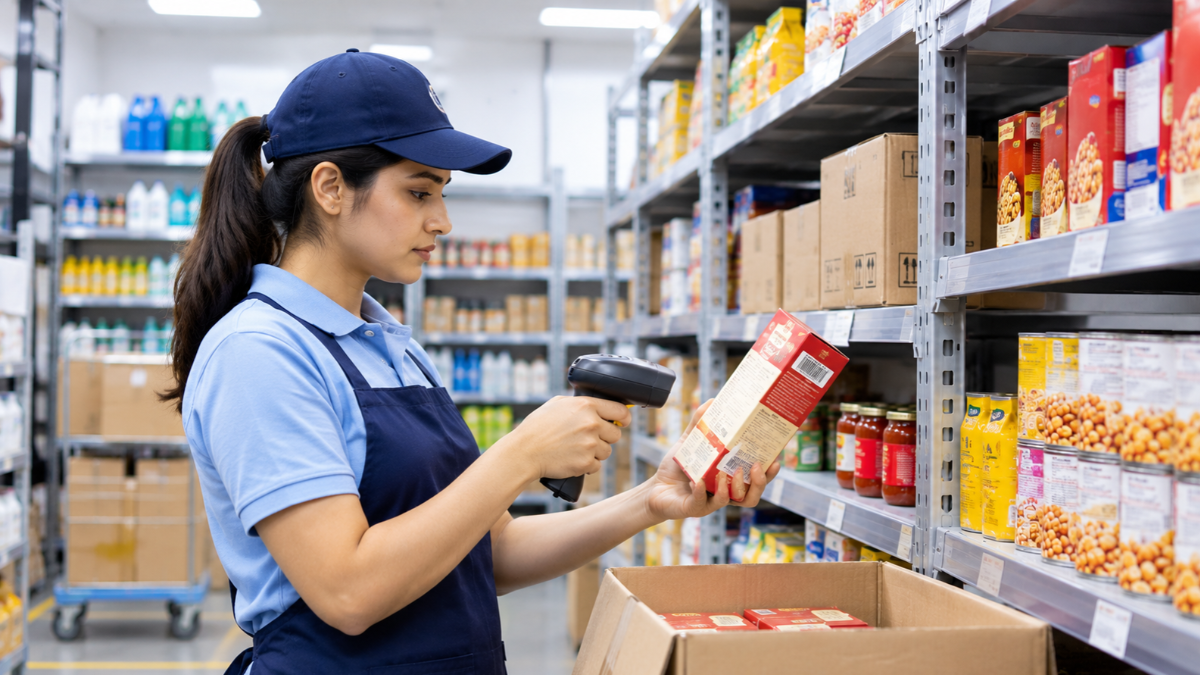
Receiving products does not mean the stock management process is complete. Products may move between storage areas, warehouses, and other business locations before reaching customers.
A supermarket needs reliable inventory records to understand where its products are located and how stock quantities change over time.
For example, a product may be available in the stockroom but not yet placed on the sales floor. If employees cannot identify where the stock is located, they may assume the product is unavailable and place another order unnecessarily.
Managing Stock Across Different Locations
A supermarket with multiple storage locations or branches needs a clear record of stock held at each location. A combined quantity alone may not tell employees where a particular product is available.
Multi-location inventory management helps businesses maintain separate stock information for relevant locations while providing management with a broader view of inventory.
When products move from one warehouse or branch to another, the movement should be recorded. This is where inventory transfers between warehouses become relevant.
A proper transfer record helps employees understand:
- Which location sent the products.
- Which location received them.
- What quantity was transferred.
- How the stock position changed at each location.
Without these records, a business may have difficulty reconciling inventory across its locations.
Handling Inventory Differences and Adjustments
Physical stock counts may reveal differences between system records and actual quantities. These differences can result from recording delays, damaged goods, operational mistakes, or other business circumstances.
Employees should investigate the reason for a discrepancy rather than changing quantities without a clear record.
An organized inventory adjustment in ERP process helps businesses document changes to stock quantities and maintain a more reliable inventory history.
Identifying Products That Need Replenishment
Inventory information is also useful for identifying products that may need replenishment. A supermarket should be able to review which items are approaching their minimum stock levels and decide whether a purchase is required.
An ERP reorder report can help employees identify low-stock items for review. The report supports replenishment decisions, although the final purchasing action should follow the supermarket's own approval and purchasing process.
The objective is to maintain a clearer view of what stock is recorded, where it is held, and which items require attention.
Sales and Checkout: Where Inventory Meets Customer Demand
Checkout is one of the most visible parts of supermarket operations. Customers expect products to be identified quickly, prices to be accurate, and billing to be completed without unnecessary delays.
Behind the checkout counter, every transaction also contributes to the supermarket's sales records and inventory movement.
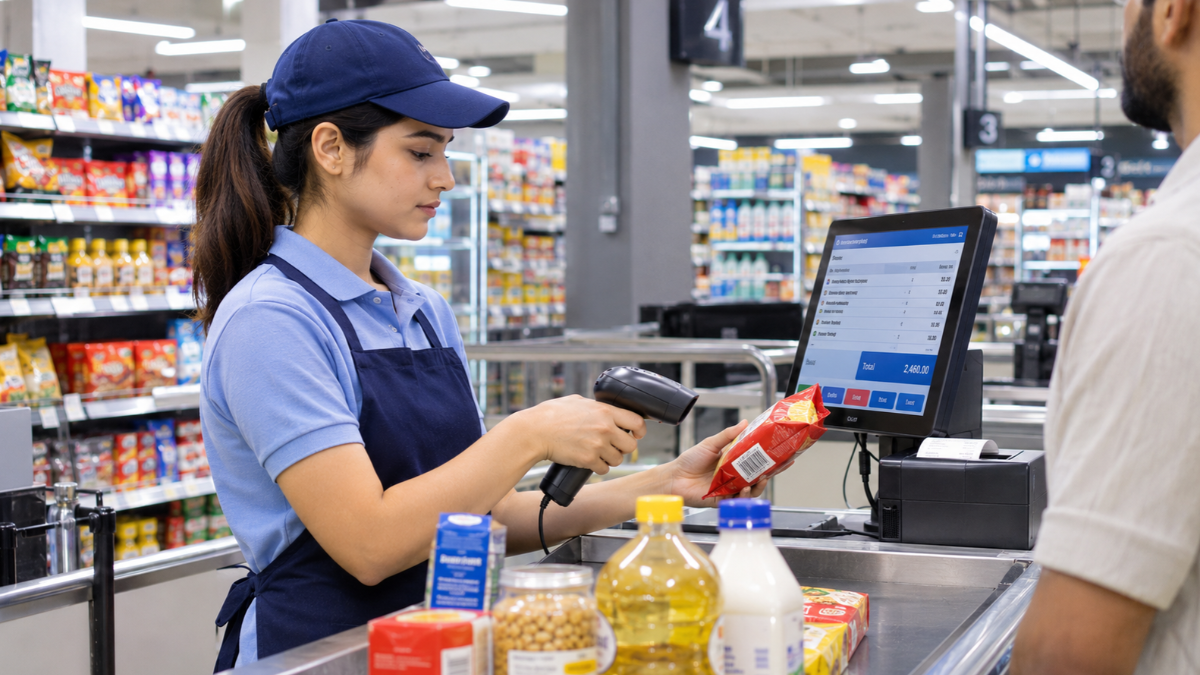
A suitable POS and point-of-sale software solution helps businesses process customer transactions and maintain organized sales information. Barcode scanning can make product identification faster, while accurate item and pricing records help reduce manual entry.
How a Connected POS Workflow Works
Consider what happens during a normal transaction:
- The cashier identifies the products being purchased.
- The system retrieves the relevant product and pricing information.
- The transaction is processed and the invoice is generated.
- The sale and payment are recorded.
- Inventory information is updated through the connected system workflow.
When checkout and inventory operations are connected, management can work with more consistent sales and stock information.
This is particularly useful when a supermarket handles a high volume of transactions. Employees should not have to depend on separate manual updates after every sale to understand the current stock position.
Why Checkout Speed and Accuracy Matter
Slow checkout operations can affect the customer experience, particularly during busy shopping hours. Incorrect product information, manual price entry, and inefficient billing processes can all create unnecessary delays.
Supermarket owners should understand the operational reasons behind slow billing counters and evaluate whether their current POS setup can handle their transaction volume.
A suitable POS solution should support the supermarket's billing requirements while maintaining accurate transaction records.
What Happens When the Internet Connection Is Unavailable?
Internet availability is another practical consideration when selecting supermarket software.
A supermarket may need to continue processing sales even when its internet connection is interrupted. If the POS system depends entirely on a continuous connection, an outage can disrupt normal checkout activities.
Axon ERP offers a Hybrid Offline POS desktop application that supports billing and sales operations without an active internet connection. Transactions are stored locally and synchronized with the connected ERP system when connectivity becomes available.
The synchronization process transfers relevant sales and inventory transaction information to the main ERP environment. This helps businesses maintain checkout continuity while keeping their operational records connected.
Supermarket owners comparing different solutions can also review offline POS and cloud-based POS software to understand which setup suits their operations.
Reporting: Giving Management a Clearer View of the Business
A supermarket generates operational information throughout the day. Sales transactions, inventory movements, purchasing activities, and other records can help management understand what is happening across the business.
However, having information stored in a system is not enough. Managers need useful reports that help them review performance and identify areas requiring attention.
Sales Reports and Product Performance
Sales reports help management review transactions across selected periods and understand which products contribute to business activity.
For example, managers may want to compare sales across different products, review transaction history, or identify items that are performing differently from expectations.
This information can support purchasing and stock planning decisions. However, reports should be interpreted alongside actual business conditions, supplier availability, and the supermarket's requirements.
Inventory Reports and Low-Stock Visibility
Inventory reports help employees review stock quantities, movements, and other relevant inventory information.
A supermarket may need to identify products with low available quantities, review stock held at different locations, or investigate differences between recorded and physical inventory.
An ERP reorder report can help identify low-stock items so that staff can review replenishment requirements and take appropriate action.
Using Reports to Investigate Operational Problems
Reports are more useful when management uses them to investigate specific questions.
For example:
- If a product repeatedly becomes unavailable, management can review its sales and purchasing history.
- If stock records do not match physical quantities, employees can investigate relevant movements and adjustments.
- If billing activity changes significantly, management can review transaction records and sales reports.
- If purchasing quantities appear unusually high, managers can compare orders with available stock and previous activity.
The purpose of reporting is not simply to produce more numbers. It is to give supermarket owners and managers better visibility so they can make decisions using recorded business information rather than assumptions.
How an Integrated ERP System Connects Supermarket Operations
The real value of an ERP system becomes clearer when businesses look at how different activities depend on one another.
Purchasing affects incoming stock. Receiving affects inventory records. Inventory supports product availability. Sales affect stock quantities and provide information about customer demand. Reports help management review the results of these activities.
If every department maintains separate records, employees may spend time reconciling information instead of managing operations. An integrated system helps connect these activities within a more consistent business process.
What Should a Supermarket Look for in an ERP System?
For supermarket owners evaluating a supermarket management system, the important question is not simply how many features a software package offers. It is whether the system can support the workflows the business actually follows.
A practical evaluation should consider the following areas.
Product management: Can the business maintain organized product records, categories, units, barcodes, and pricing?
Purchasing: Can staff manage purchasing activities and maintain supplier-related records?
Inventory management: Can the business record stock movements, transfers, adjustments, and stock quantities across relevant locations?
Billing and POS: Can the POS process sales, support barcode scanning, and maintain connected sales and inventory information?
Offline operations: Is there a workable option for continuing supported billing activities during internet interruptions?
Reporting: Can managers access useful sales, purchasing, and inventory information?
Business requirements: Can the system accommodate the supermarket's operational structure and specific requirements?
These questions help supermarket owners compare software based on practical requirements rather than relying only on feature lists or promotional claims.
How Axon ERP Supports Connected Business Operations
Axon ERP provides business management capabilities across areas such as sales, purchasing, inventory, warehouse operations, reporting, and POS.
Its POS solution supports barcode scanning, billing, and connected inventory operations. The Hybrid Offline POS desktop application allows supported sales activities to continue without an internet connection and synchronizes recorded transactions with the connected ERP system when connectivity returns.
Axon ERP also provides inventory capabilities for managing stock across multiple locations, recording transfers and adjustments, and reviewing inventory information. Its broader ERP modules allow businesses to connect relevant operational and management activities within one system.
For supermarket businesses, the suitability of these capabilities depends on the actual workflow, configuration, and requirements. Businesses should review the relevant modules and discuss any specific operational needs before implementation.
If you are evaluating a supermarket ERP solution, explore Axon ERP's dedicated supermarket industry page and assess how its available capabilities align with your business.
Final Thoughts: Choosing Software That Supports the Entire Supermarket
A supermarket's daily performance depends on much more than products being available on shelves. Purchasing, receiving, inventory management, billing, and reporting all contribute to how efficiently the business operates.
As a supermarket grows, managing these activities through disconnected records can make it harder to maintain accurate information and coordinate employees. An integrated management system can help bring these workflows together and give management better visibility into everyday operations.
The right solution should match the supermarket's size, processes, and operational requirements rather than simply offering a long list of features.
Before choosing software, supermarket owners should evaluate their current challenges, identify the workflows that need improvement, and confirm that the system can support those requirements.
Frequently Asked Questions
1. What is a supermarket management system?
A supermarket management system is software that helps manage important supermarket activities, including product records, purchasing, inventory, sales, billing, and reporting. An integrated system connects relevant business information so employees and managers can coordinate daily operations more effectively.
2. What is the difference between supermarket software and supermarket ERP?
Supermarket software may focus on specific activities such as billing or inventory management. Supermarket ERP connects multiple business functions, such as purchasing, sales, inventory, and reporting, within a more integrated system. The main difference is how much of the business workflow the software supports.
3. How does supermarket ERP software help manage inventory?
Supermarket ERP software can help businesses maintain product records, record incoming stock, track inventory movements, process adjustments, and review stock reports. Depending on the system's capabilities, it may also support multiple warehouse locations and low-stock alerts. These functions help staff maintain more organized inventory information.
4. Can supermarket POS software work without an internet connection?
Some POS solutions provide offline functionality, while others require an active internet connection. Axon ERP offers a Hybrid Offline POS desktop application that supports billing during internet interruptions. Recorded transactions can synchronize with the connected ERP system when connectivity is restored.
5. What should a supermarket consider before choosing management software?
A supermarket should evaluate its product management, purchasing, inventory, warehouse, billing, reporting, and connectivity requirements. It should also consider transaction volume, number of locations, employee responsibilities, implementation requirements, and whether the software can accommodate its actual workflows.
6. Is ERP software suitable for small grocery stores as well as large supermarkets?
ERP software can be suitable for businesses of different sizes, depending on the available modules, configuration, pricing, and operational requirements. A small grocery store may need basic billing and inventory capabilities, while a larger supermarket may require broader purchasing, warehouse, and reporting workflows. The best choice depends on the complexity of the business and the features it actually needs.