

Post Detail
BackAxon ERP Official
19 weeks ago
Company Setup in ERP Software – Complete ERP Setup Guide for Businesses
If you’re setting up your business in an ERP system, you’ve got to get it right from the start. Why? Because the way you set it up shapes everything accounting, inventory tracking, employee management, transactions, reports - you name it. Mess up the setup, and you’ll wind up dealing with headaches like wrong financial records, inventory mix-ups, transaction errors, and just plain chaos. It’s way easier to fix things early than deal with problems later!
What is Company Setup in ERP Software?
So, what does “company setup” actually mean in ERP software? Basically, it’s where you enter your business info, choose how you want things to work, and set all the system preferences before anyone starts logging daily tasks. You’ll define things like:
- your company profile
- accounting methods
- how you want to handle inventory
- transaction settings
- integrations with other platforms through ERP integrations
- operational controls
Do it right, and you get smoother workflows. Fewer mistakes. More consistency.
Why Proper ERP Setup is Important
Because plenty of businesses skip the configuration step and then run into trouble down the line. Good setup keeps your financial records accurate, organizes your inventory, makes tax management easier, improves how transactions are tracked, and puts you in control of daily operations. Your team works better together, too.
Kick things off with your company profile. Add in your:
- company name
- address
- email and phone
- tax details
- business type
- logo
This profile feeds into invoices, reports, transactions, basically everywhere you need your company info. Building it out in one place keeps stuff consistent wherever it shows up.
Accounting Preferences in ERP
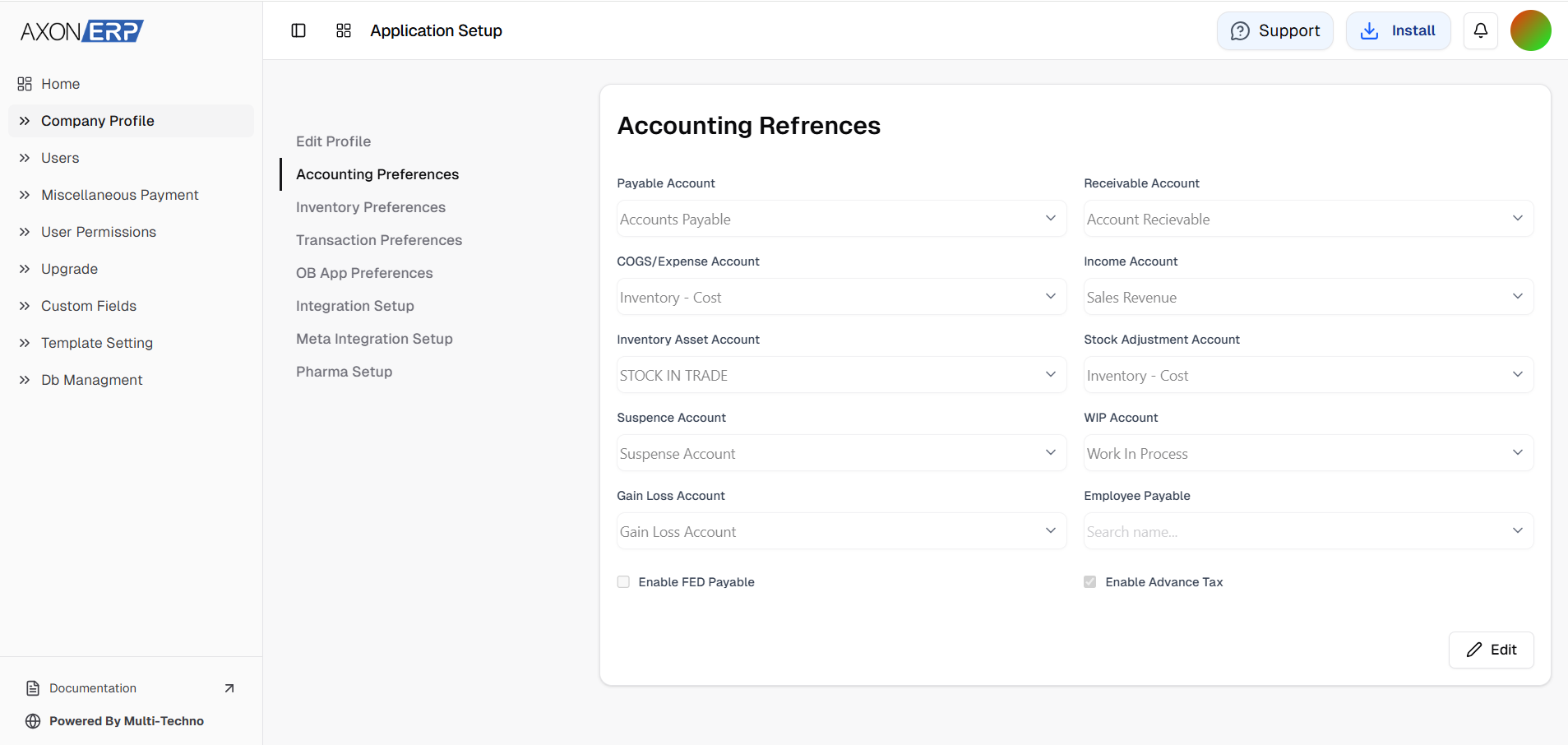
You’ll set up different accounts like payables, receivables, income, expenses, inventory, and what you owe to employees. This lays the foundation for accurate financial tracking and good reporting.
Inventory Preferences
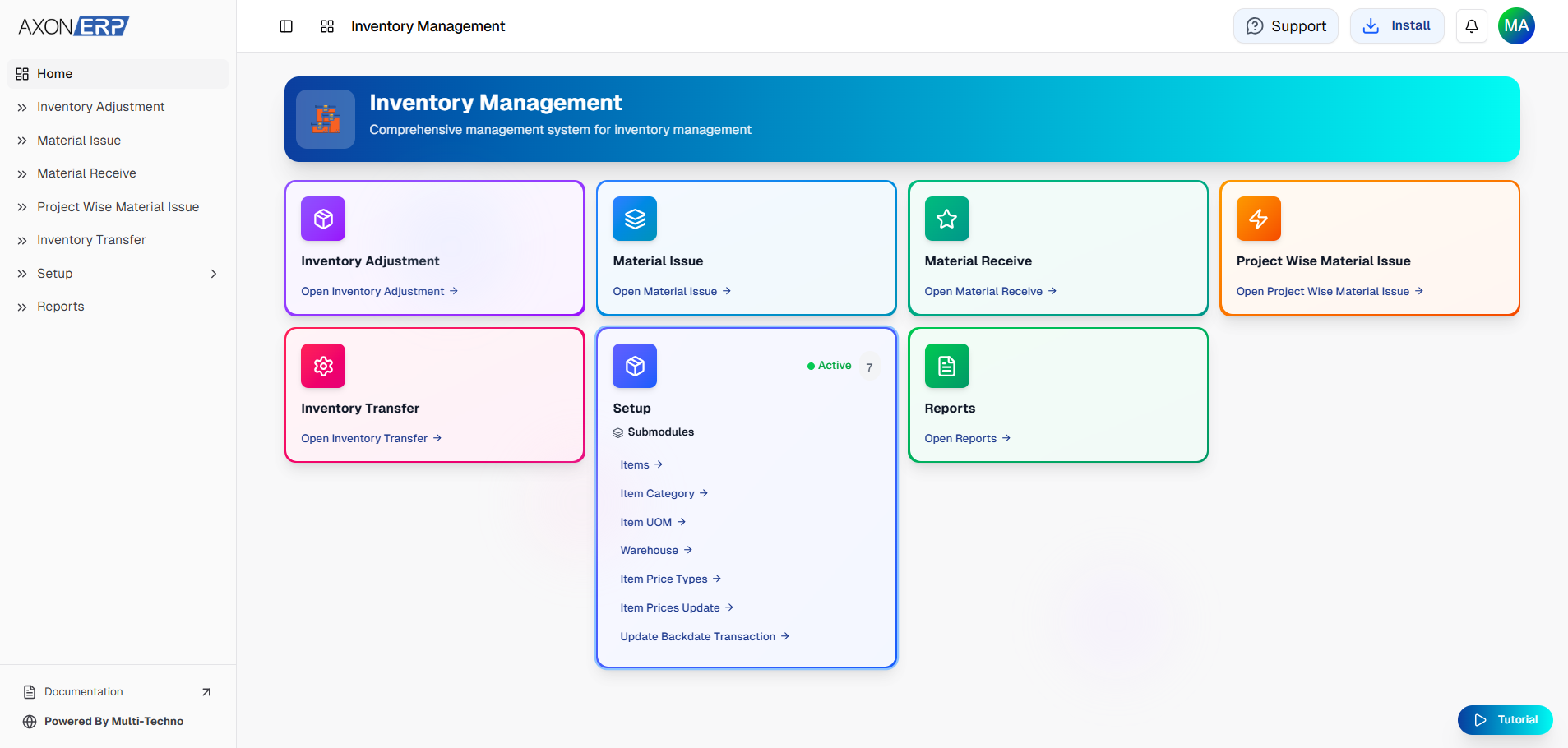
Modern ERPs let you choose units of measurement, item pricing rules, tax calculations, adjustments, and how you want stock managed. These options help you keep tabs on inventory and cut down on errors. Automated workflows mean less manual tracking, fewer slip-ups.
Transaction Preferences
You’ll decide how you want taxes handled (like line-level), what you want in transaction descriptions, approval workflows, and whether you allow transactions in “draft” mode. The goal? Stay consistent and cut down on mistakes.
ERP Integration Setup
Many businesses also follow ERP implementation best practices to improve long-term operational efficiency. Today’s ERP systems connect with tax authorities, digital invoicing platforms, payment gateways even WhatsApp. These connections automate tasks, ensure compliance, and streamline communication. For example, Axon ERP gives you a single place to manage integrations, business info, accounting, inventory, and the rest keeping everything neat and simple.
So, what are the best practices when setting up your ERP system?
- Don’t rush accounting preferences make sure every detail fits your business.
- Review inventory settings carefully.
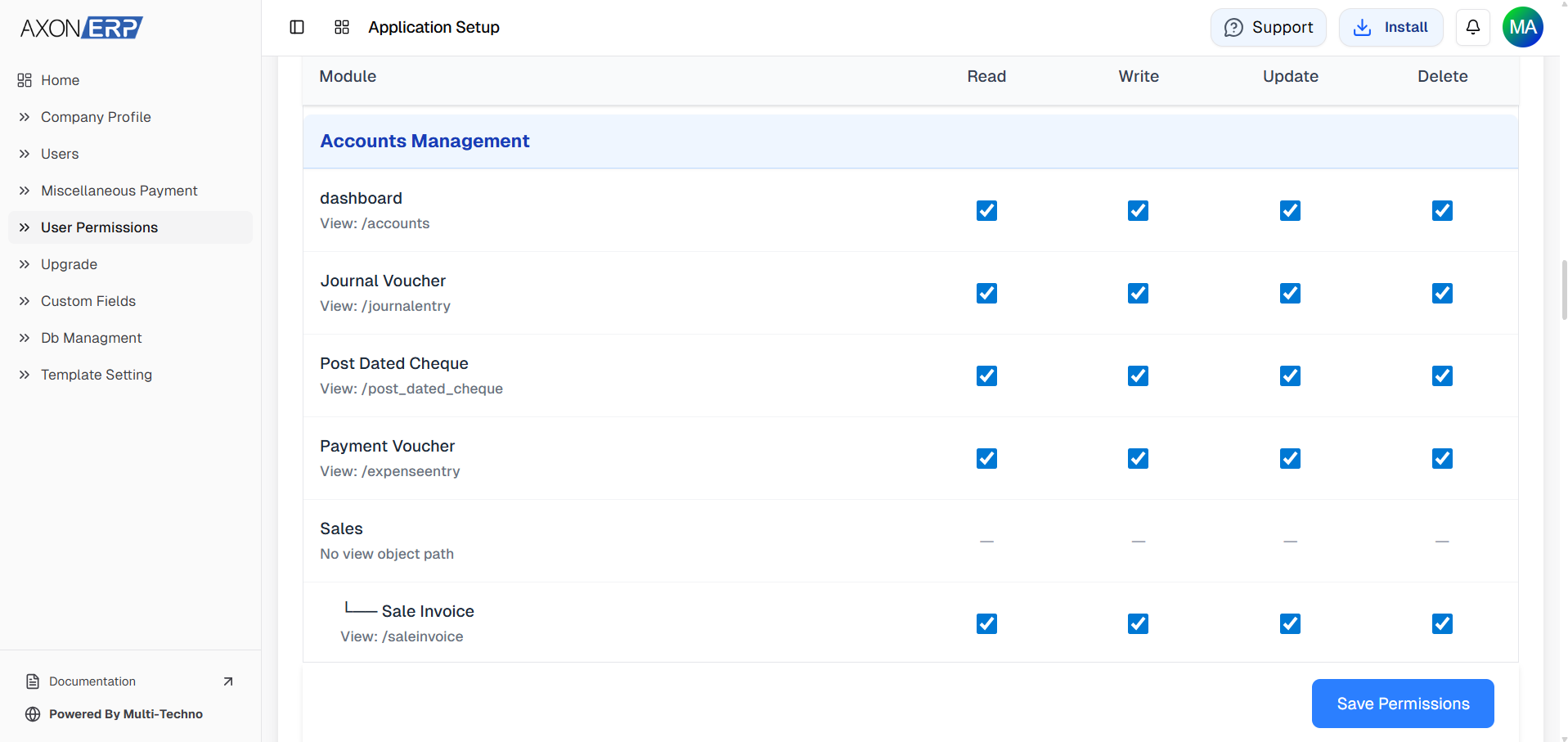
- Assign user permissions intentionally, not just by default, to improve security and operational control.
- Turn on only the integrations you actually need.
- Update your configurations regularly, so nothing gets outdated.
A well-configured ERP system isn’t just about avoiding mistakes. It makes your business scalable, efficient, and ready to grow.
Final Thoughts
Get your company setup right in your ERP system, and you’ll make daily operations smoother. You’ll have accurate accounts, tight inventory control, solid transaction management, and workflows that actually work for you. Investing time in setup now saves loads of trouble later and lays the groundwork for a business that can grow without falling apart.
Looking for an ERP system that simplifies company setup, accounting, inventory, and business operations? Explore Axon ERP to manage your complete business from one platform.