

Financial Accounts Management
The Accounts Management module is used to manage all financial accounts.
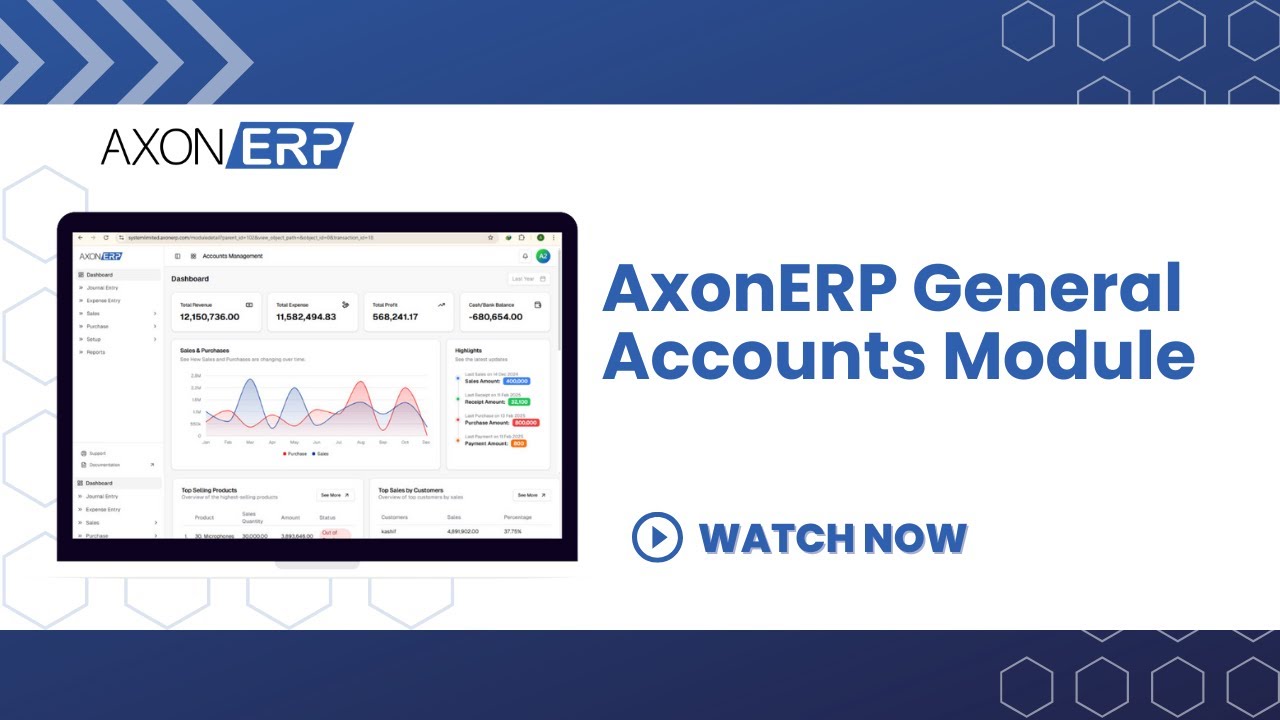
Watch our AxonERP General Accounts Setup Video
1. Chart of Accounts
There is the 1st part of the financial module is chart of account in this tab we can define 5 types of Accounts like Assert, Liability, Stockholder Equity, Revenue, Expense.
- In Assert we can add other current asserts, fixed asserts.
- In Liability we can add other current liability, long term liability.
- In Stockholder Equity we can add opening balance equity, retained earnings.
- In Revenue we can add income, other income.
- In Expense we can add cost of goods sold, admin expense, factory overhead, administrative expense, selling expense, and depreciation expense, gain/loss account, landed cost.
In this tab we can see how to create the chart of account click on the create button enter name, parent account, account type and sub type. Then other data fill automatically.
Here we can make the parent account for this just account type enter then all data fill automatically. After fulfill the information user can simply click on create button.
2. Tax Code
Tax item basically called tax code. Tax code is implement according to the ratio of tax allow by the state in different business for example GST 17%. Name, Description, Rate, Tax etc.
In this tab the user can simply type the name of tax code , select the rate and Account which he want to link the tax related transactions.
3. Tax Group Items
This module enables users to define and manage grouped tax rates for different items, ensuring consistent and accurate tax application across transactions.
- Create Tax Group: Add new tax categories with custom names and rates.
- Item Association: Link multiple items to a single tax group for streamlined tax handling.
- Search & Filter: Quickly locate tax groups using name-based search.
- Rate Management: View and update tax percentages for each group.
- Pagination Controls: Navigate through multiple tax groups efficiently.
4. Payment Terms
This module allows users to define and manage standardized payment timelines, ensuring clarity in invoice settlements and financial agreements.
- Create Payment Terms: Add new terms with custom labels and durations.
- Search by Name: Quickly locate specific terms using the search bar.
- Checkbox Selection: Select multiple terms for batch actions or review.
- Alphabetical Listing: Terms are organized for easy scanning and consistency.
