

Post Detail
BackAxon ERP Official
19 weeks ago
User Management in ERP Software: What Businesses Need to Know
Managing employees, system access, and operational responsibilities becomes difficult when businesses grow. Many companies struggle with unauthorized access, data confusion, duplicate work, and poor employee accountability.
This is where user management in ERP software becomes important.
An ERP system helps businesses control who can access specific modules, what actions employees can perform, and how departments interact within a centralized system.
Whether you run a manufacturing company, trading business, retail store, or service organization, proper ERP user management helps improve security, efficiency, and workflow control.
What is User Management in ERP?
User management in ERP software is the process of creating, managing, and controlling employee access inside an ERP system.
It allows businesses to:
- create users
- assign employee roles
- manage permissions
- restrict sensitive data
- monitor activities
- control module access
For example:
- Sales staff should only access sales modules
- HR teams should manage employee records
- Finance departments should access accounting data
- Warehouse staff should manage inventory only
This structure improves both security and operational efficiency.
Why User Management is Important in ERP Software
Without proper access control, businesses often face:
- unauthorized data changes
- accounting mistakes
- accidental record deletion
- employee misuse
- security risks
- workflow confusion
A structured ERP user management system helps businesses maintain discipline and accountability across departments.
It also becomes easier to track employee activities and system usage.
Key Features of ERP User Management
1. Role-Based Access Control
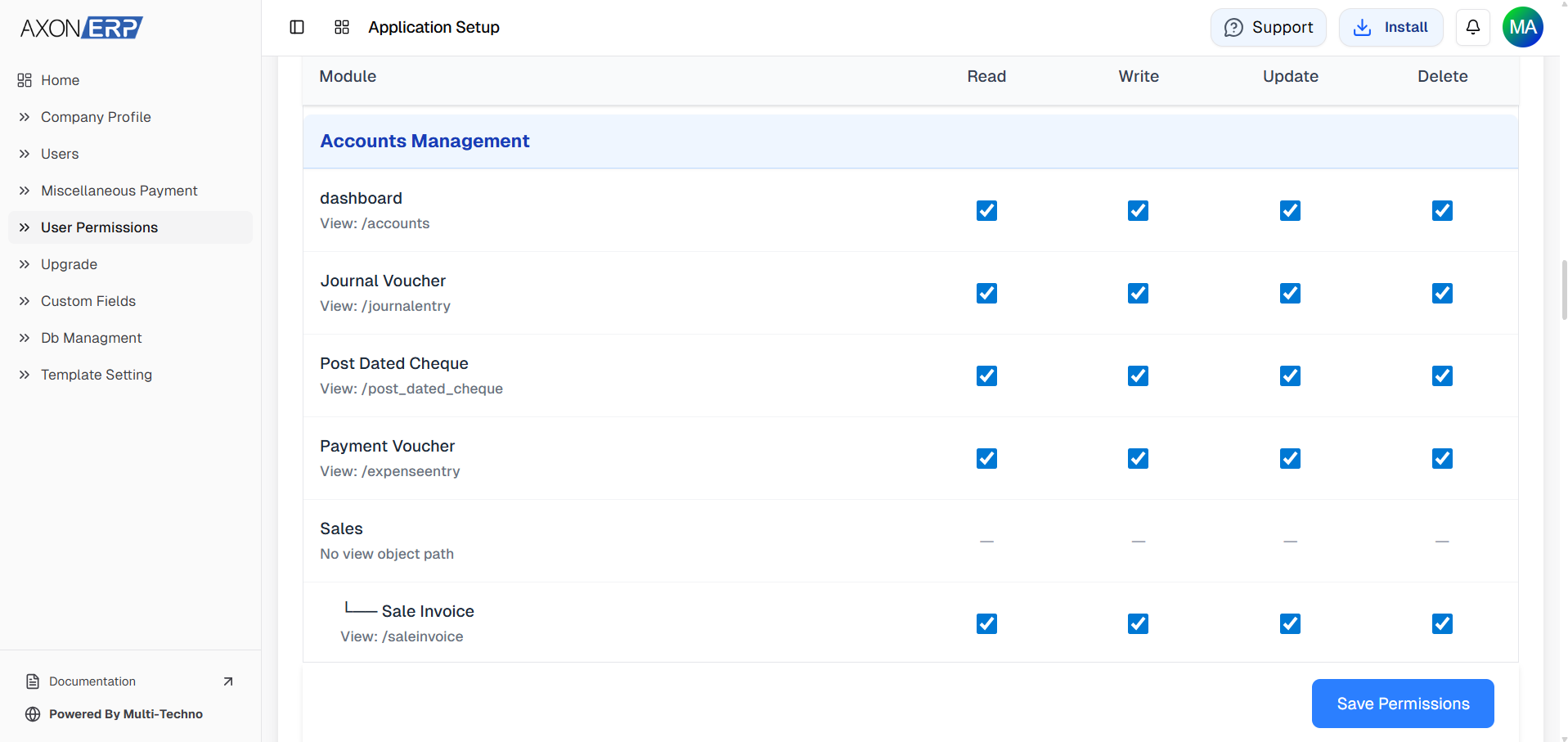
ERP systems allow businesses to assign roles to employees based on responsibilities. This prevents unauthorized actions inside the system.
2. User Permissions
Businesses can define what each employee can:
- view
- create
- edit
- delete
- approve
inside the ERP system.
For example, an employee may create invoices but may not have permission to delete them.
3. Employee Activity Tracking
Modern ERP software tracks user activities such as:
- login history
- created transactions
- updated records
- deleted entries
- approvals
This improves transparency and reduces operational risks.
4. Department-Based Access
Businesses can separate operations department-wise.
For example:
- HR Department
- Finance Department
- Sales Department
- Inventory Department
Each department only accesses relevant modules.
This keeps workflows organized and secure.
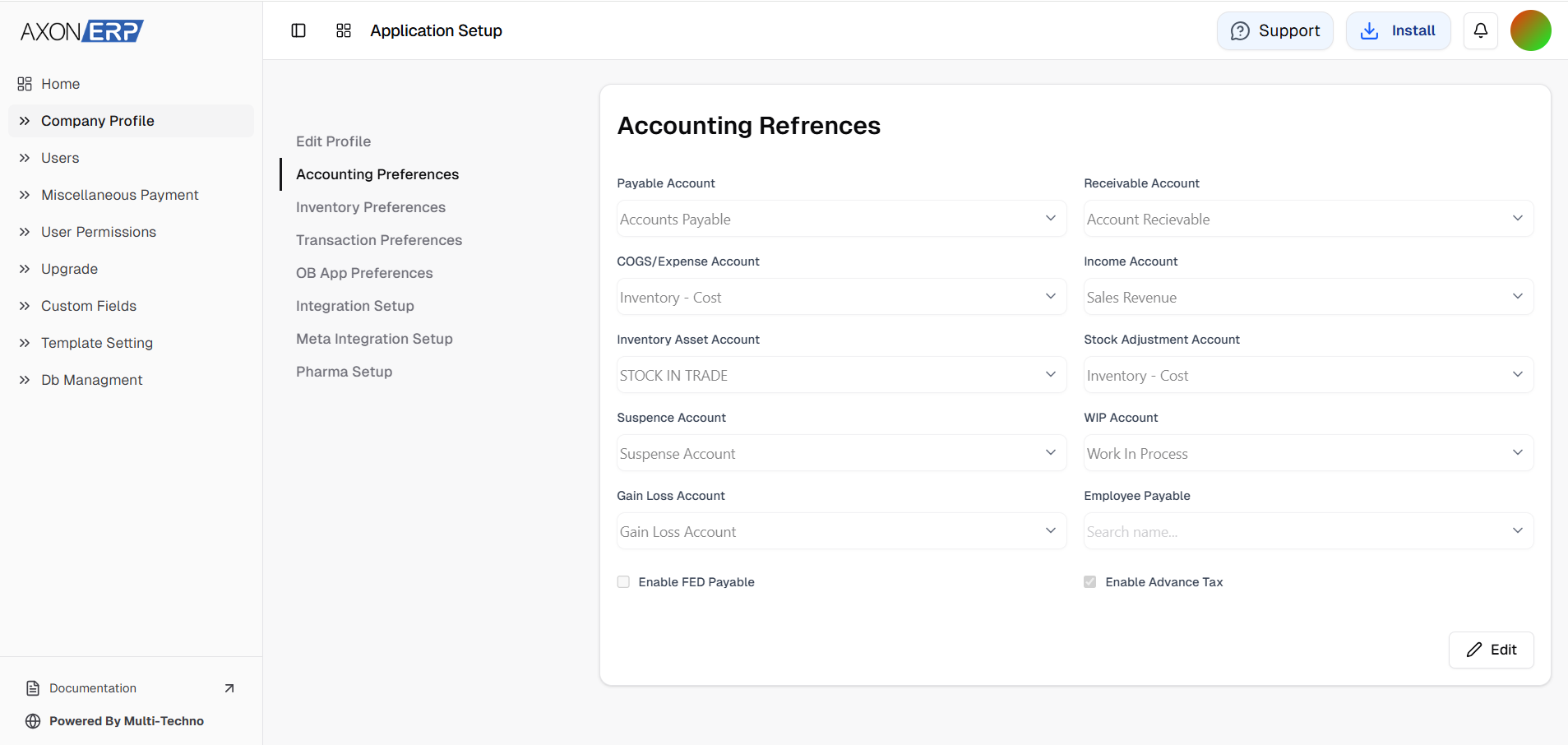
User Management in Axon ERP
Axon ERP provides a flexible user management system that helps businesses control employee access efficiently.
Businesses can:
- create employee accounts
- assign permissions
- manage department access
- track user activities
- control operational workflows
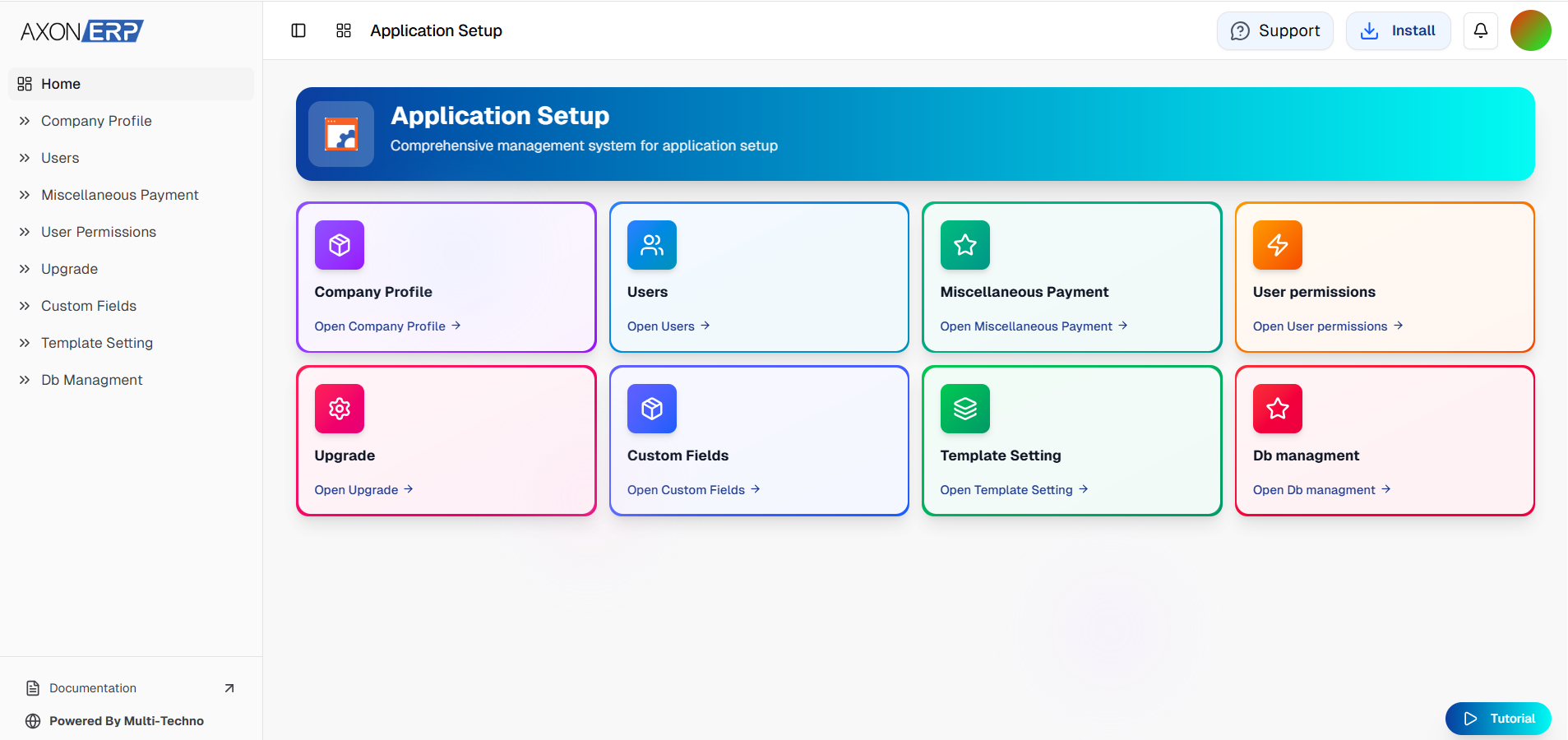
The setup module in Axon ERP also allows organizations to manage employee structures and operational security from a centralized dashboard.
Final Thoughts
User management in ERP software is essential for businesses that want secure, organized, and scalable operations.
A properly managed ERP system improves employee accountability, workflow control, and operational efficiency while reducing security risks.
As businesses continue growing, structured access control becomes increasingly important for maintaining smooth operations across departments.