

Post Detail
BackA
Axon ERP Official
17 weeks ago
📑 How to Generate a Project-Wise Bill of Quantity (BoQ)
🛠️ Steps to Generate Project-Wise BoQ and Material Issue
🔹 Step 1: Create the Bill of Quantity
- Go to the Project Management Module.
- Select the desired project.
- Navigate to the Bill of Quantity (BoQ) section.
- Add the items list that should be issued against this project.
- Enter the expense items if needed.
- Once complete, simply confirm the BoQ.
Step 2: Issue Materials from Inventory
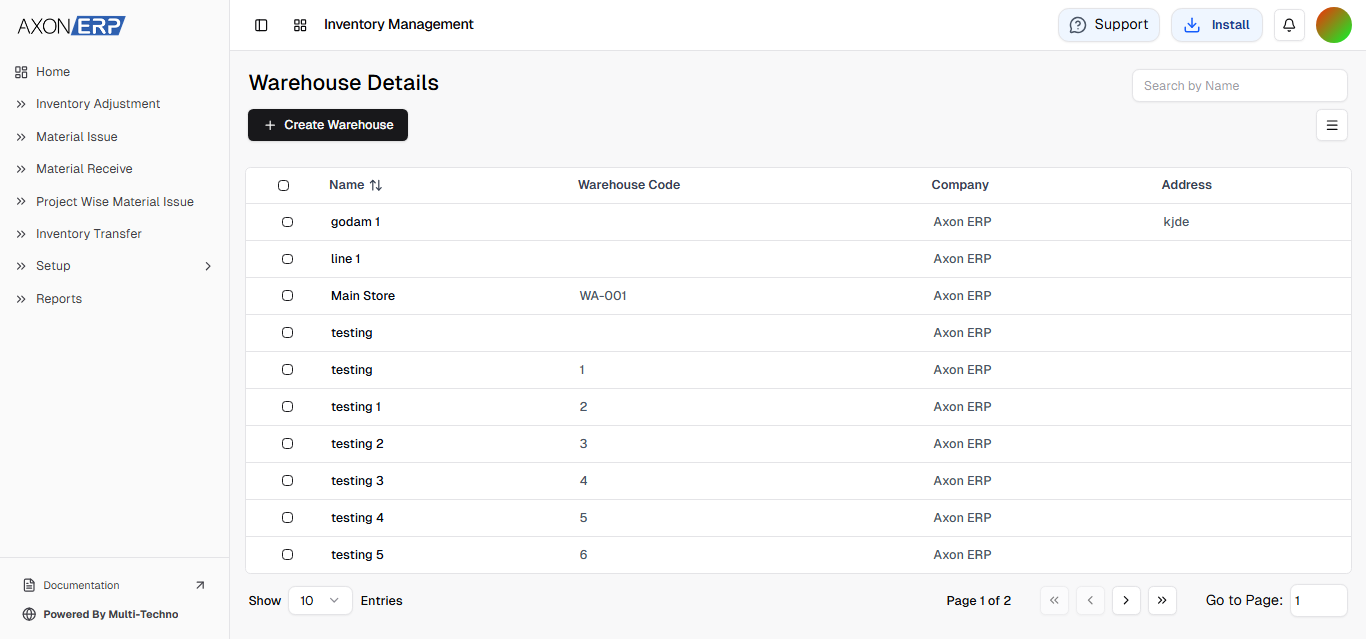
- Go to the Inventory Management Module.
- Open the Project-Wise Material Issue Form.
- Select the warehouse, employee.
- Enter the desired quantity of materials to issue,create the issue.
Step 3: Automatic Material Issue Confirmation
- Once the issue is created, the system will automatically generate a material issue record.
- The record is then confirmed, ensuring proper tracking of project materials.
https://www.youtube.com/watch?v=Oleb18kND2c