

Post Detail
BackAxon ERP Official
12 weeks ago
Why Poor Customer Payment Tracking Creates Cash Flow Problems
Selling products or services is only one part of the sales cycle. A business only earns revenue when customer payments are received, recorded correctly, and reflected across financial records.
Many growing businesses still rely on spreadsheets, handwritten records, bank statements, or disconnected accounting systems to track customer payments. At first this may seem manageable, but as the number of invoices increases, payment tracking quickly becomes more difficult.
Businesses often face situations where they cannot immediately answer simple questions such as:
- Which invoices have been paid?
- Which customers still have outstanding balances?
- Which payments are only partially received?
- Which invoices are overdue?
- Which bank transaction belongs to which customer invoice?
Without a structured payment process, finance teams spend significant time matching invoices with payments, updating customer balances manually, and resolving payment disputes. These delays not only increase administrative work but also reduce cash flow visibility across the business.
The situation becomes even more challenging because customer payments affect far more than accounts receivable. Every payment updates customer balances, accounting entries, cash or bank accounts, outstanding invoices, financial reports, and overall business performance. When these updates are handled manually, the chances of errors increase considerably.
A centralized Customer Payment Management Software helps businesses receive payments, connect them with customer invoices, update financial records automatically, and maintain complete visibility of outstanding receivables from one system.
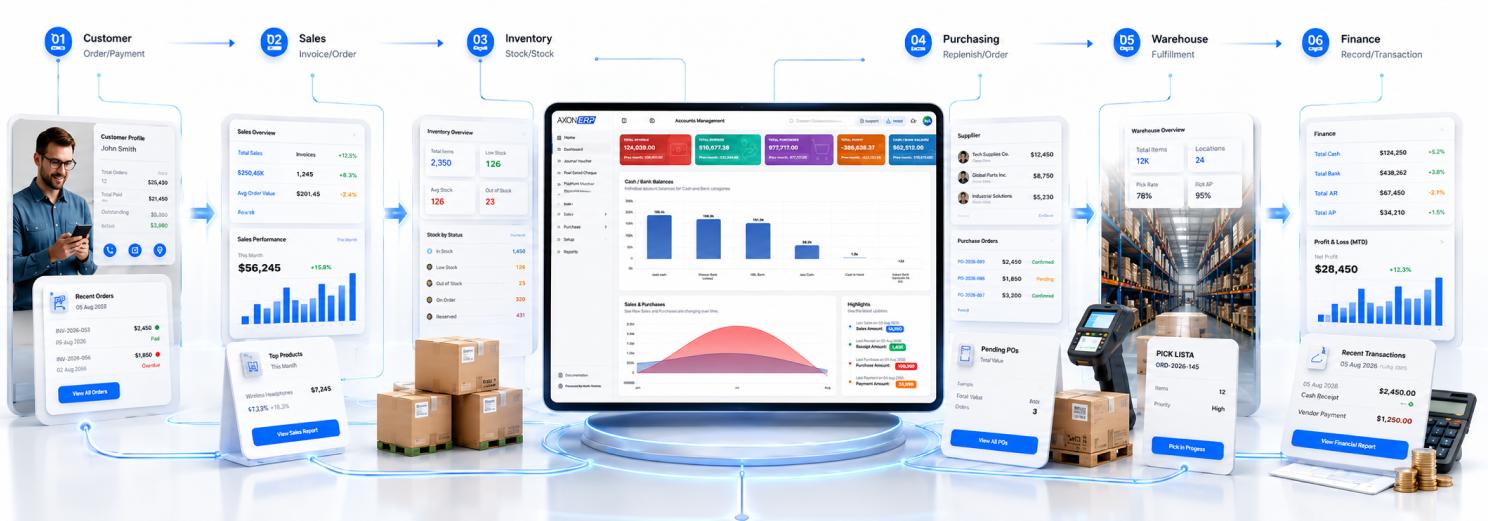
Axon ERP provides an integrated ERP Payment Management solution that connects Sales Invoices, Receipts, Customer Ledgers, Bank Accounts, Accounting Entries, and Payment Reconciliation into one centralized workflow. Instead of manually tracking customer collections, businesses can manage the complete payment lifecycle accurately while improving cash flow control.
What Is Customer Payment Management Software?
Customer Payment Management Software is a centralized system used to receive, record, approve, monitor, and reconcile customer payments while keeping them connected with customer invoices, accounting records, bank accounts, and accounts receivable.
Instead of maintaining separate payment registers or manually updating invoice statuses, businesses manage every customer payment from one platform where each transaction follows a controlled approval process.
A typical customer receipt includes:
- Customer
- Payment Type (Receive / Send)
- Amount
- Net Amount
- Transaction Date
- Company Bank Account
- Reference Number
- Memo
- Project
- Accounting Lines
- Attachments
- Status (Draft / Approved)
Because every payment remains connected with the related customer and invoice, businesses can monitor collections more accurately while reducing manual reconciliation work.
Why Manual Customer Payment Tracking Creates Problems
Many businesses successfully generate invoices but struggle when it comes to tracking payments afterward.
Common problems include:
- Payments recorded without linking them to invoices.
- Difficulty identifying unpaid invoices.
- Delayed customer balance updates.
- Manual bank reconciliation.
- Duplicate payment entries.
- Incorrect accounts receivable balances.
- Time-consuming ledger verification.
- Limited visibility into outstanding collections.
As customer transactions increase, these issues directly affect cash flow forecasting and financial reporting.
A centralized Customer Payment Tracking Software solves these problems by keeping invoices, receipts, customer balances, accounting records, and bank transactions connected throughout the payment lifecycle.
How Customer Payment Management Works in Axon ERP
Axon ERP provides centralized Customer Payment Management Software that helps businesses record customer payments, connect them with invoices, update customer balances, and maintain accurate accounting records from a single platform.
Instead of recording payments separately and updating multiple systems manually, every customer receipt remains connected with sales transactions, customer accounts, and financial records throughout the entire payment lifecycle.
Creating Customer Receipts Directly from Sales Invoices
One of the biggest advantages of Axon ERP is that businesses can generate customer receipts directly from an approved Sales Invoice.
Once a Sales Invoice is approved, users can simply click the Make Receipt button available on the invoice screen. The system automatically creates a new receipt in Draft status while carrying forward the invoice and customer information.
The receipt already contains the linked customer and invoice details, reducing manual work and eliminating duplicate data entry.
Users only need to complete the remaining payment information, such as:
- Customer
- Payment Type (Receive / Send)
- Amount
- Company Bank Account
- Reference Number
- Memo
- Transaction Date

After selecting the appropriate bank account and reviewing the payment details, the receipt can be approved.
Once approved, Axon ERP automatically:
- Updates the payment status of the related Sales Invoice.
- Updates the customer's outstanding balance.
- Posts the required accounting entries.
- Updates customer ledger information.
- Maintains complete payment history.
Because the receipt remains linked with the original invoice, users can easily open the receipt later and view every invoice associated with that payment without searching manually.
This connected workflow helps businesses maintain complete visibility over customer collections while reducing reconciliation work.
Recording Payments Independently
Businesses may also receive customer payments that are not entered directly from an invoice screen.
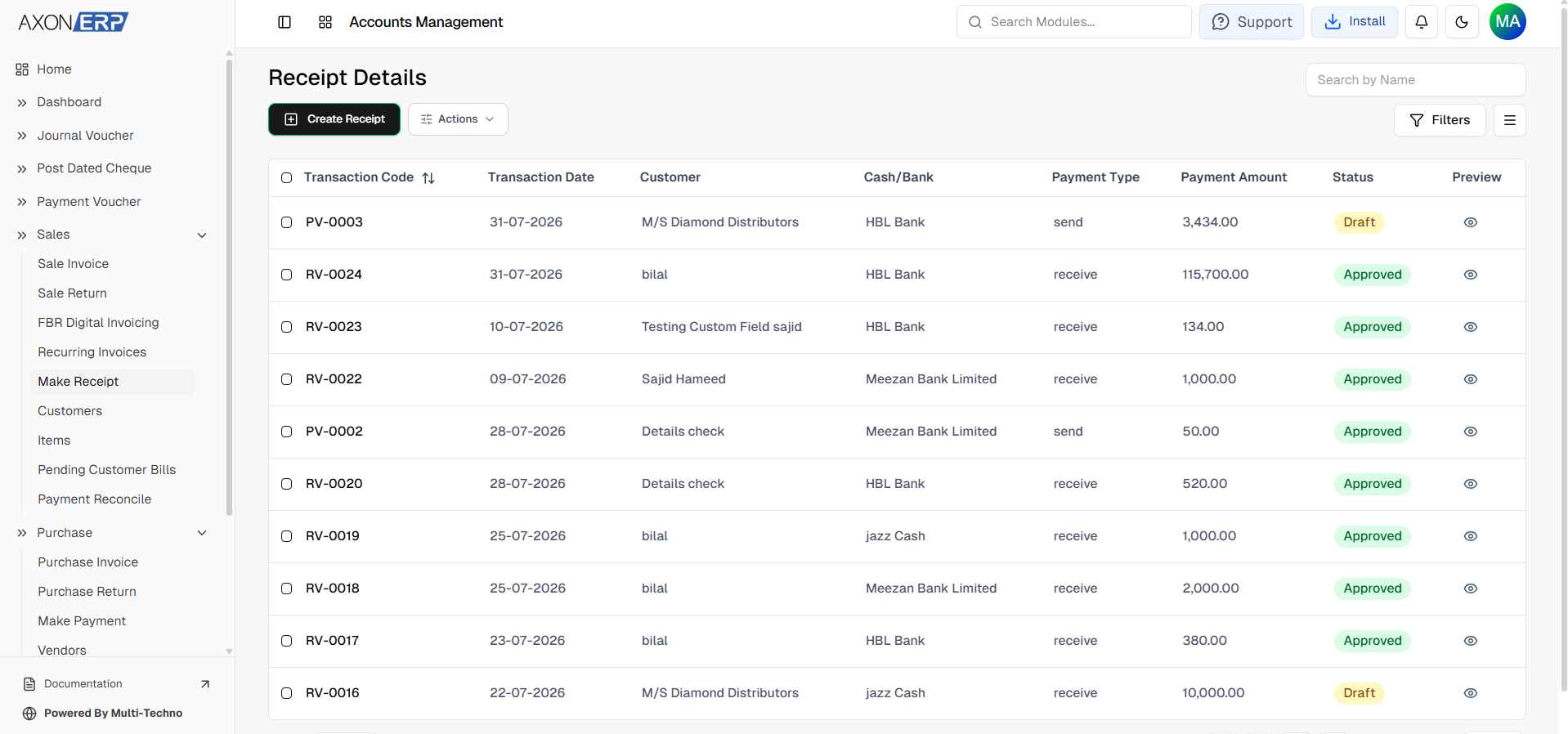
In such situations, users can create receipts directly from the Make Receipt module.
This provides flexibility while still keeping all payment records centralized inside the ERP.
During receipt creation, users can record:
- Customer
- Payment Amount
- Bank Account
- Reference Number
- Memo
- Project (if applicable)
- Transaction Date
The same approval workflow is followed before the payment becomes part of the financial records.
Managing Customer Refunds
The same module also supports customer refunds.
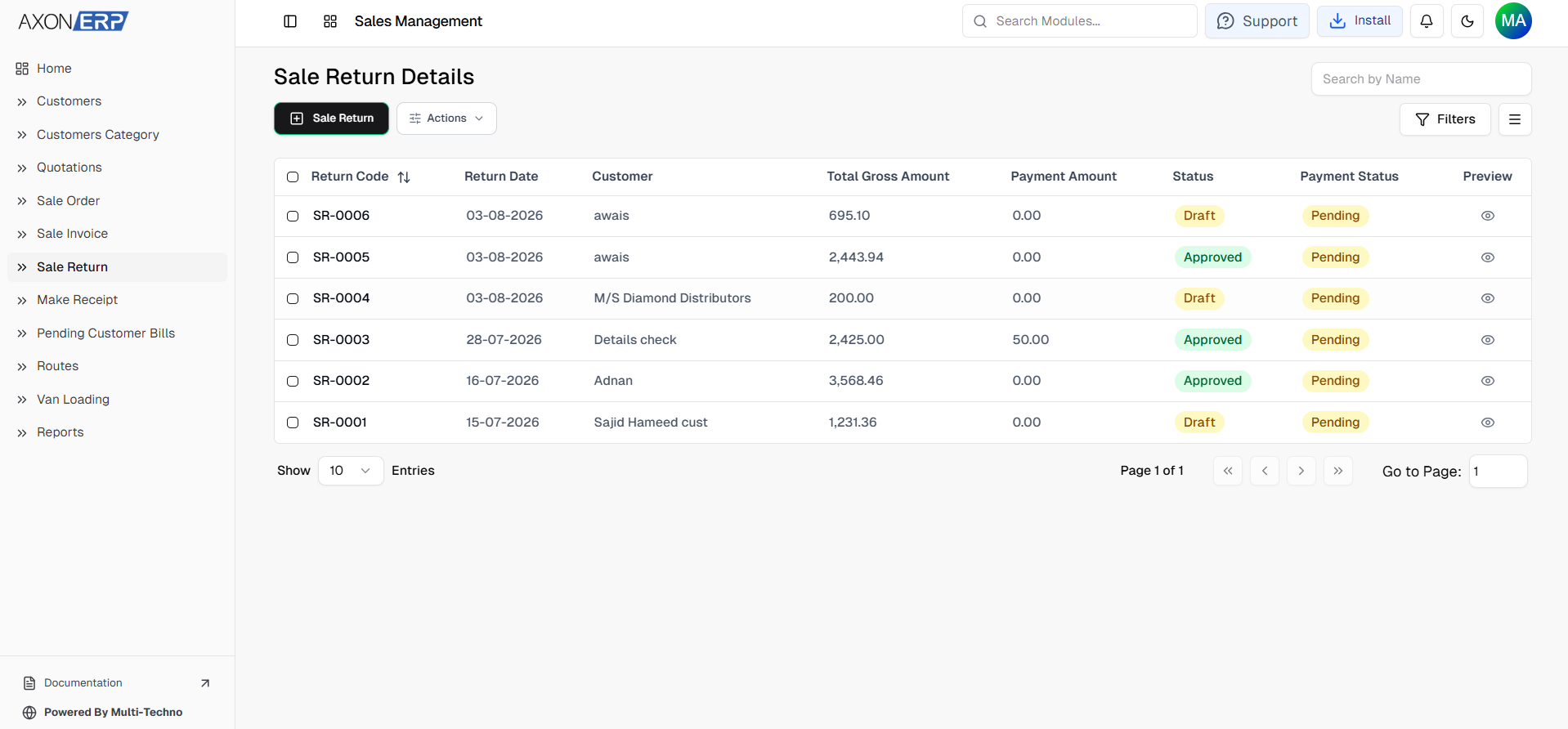
By selecting the Send payment type instead of Receive, businesses can record payments made back to customers, such as refunds like purchase return generated after approved Sales Returns.
This allows both incoming customer collections and outgoing customer refund payments to be managed from a single payment management system while maintaining complete accounting accuracy.
Payment Reconciliation Without Manual Matching
As businesses process hundreds of invoices and customer payments, manually matching every payment with outstanding invoices becomes increasingly difficult.
Axon ERP simplifies this process through its built-in Payment Reconciliation Software.
The reconciliation screen displays customer payment information and provides options to refresh data and start the reconciliation process.
When the reconciliation process is started, Axon ERP automatically matches completed payment transactions with the corresponding customer records and updates payment links and ledger information. This reduces manual verification and helps maintain accurate accounts receivable records.
Instead of manually checking invoices, payments, and ledger balances one by one, businesses can keep customer payment records synchronized while reducing reconciliation effort and improving financial accuracy.
This becomes especially valuable for organizations processing large numbers of customer payments every day.

Why Customer Payment Management Matters
Recording customer payments is much more than marking invoices as paid.
An effective Customer Payment Management Software helps businesses:
- Track outstanding customer balances.
- Maintain accurate accounts receivable.
- Improve cash flow visibility.
- Reduce payment recording errors.
- Eliminate duplicate payment entries.
- Speed up customer collections.
- Maintain accurate accounting records.
- Simplify financial reconciliation.
- Improve audit readiness.
Because payment information remains connected with invoices and customer accounts, finance teams always work with accurate and up-to-date financial data.
Final Thoughts
Growing businesses cannot rely on spreadsheets or disconnected systems to manage customer payments efficiently. As transaction volumes increase, manually recording receipts, updating ledgers, tracking invoice payments, and reconciling customer balances quickly becomes time-consuming and error-prone.
Axon ERP simplifies the entire payment collection process through centralized Customer Payment Management Software that connects customer receipts, Sales Invoices, accounts receivable, accounting records, and payment reconciliation within a single workflow.
Whether payments are created directly from approved Sales Invoices or entered independently through the receipt module, every transaction remains linked, traceable, and automatically reflected across the ERP system. With integrated payment recording, automated ledger updates, invoice payment tracking, and built-in reconciliation capabilities, Axon ERP helps businesses improve collection efficiency, maintain accurate financial records, and gain complete visibility over customer payments.
Businesses looking to improve collections, reduce manual payment tracking, and maintain accurate customer receivables can use Axon ERP to centralize payment management, improve cash flow visibility, and strengthen overall financial control.