

No internet? No problem. Download Free Offline Axon POS!
LogoLogo
PricingDocsCommunityOur Clients
LogoLogoPOWERED BYPartner Logo LightPartner Logo Dark

Usefulls

T&SPrivacy PolicyFAQsRefund Policy

Pages

About UsContact UsPricingVideos

© AxonERP. All rights reserved 2026

Developed byMulti-Tecno
πŸ‘‹ Need help? Say hello!
WhatsApp

Menu

HomeAll Posts Announcements

Menu

HomeAll Posts Announcements

Post Detail

Back
A

Axon ERP Official

31 weeks ago

πŸ“Œ How to Enter Opening Balances in Axon ERP

Opening balances are the foundation of your accounts when starting fresh in Axon ERP. They ensure your financial data is accurate from day one.

Step 1: Prepare Your Data

  • Collect balances for customers, vendors, and owners from your previous records.
  • Verify amounts against your last trial balance or closing statements.

Step 2: Access Opening Balance Setup

  • Log in to Axon ERP.
  • Navigate to the Customer, Vendor & Owner Setup section.

Step 3: Enter Customer Balances

  • Select each customer account.
  • Input outstanding receivables as of your start date.
  • Save entries to update customer ledgers.

Step 4: Enter Vendor Balances

  • Select vendor accounts.
  • Record outstanding payables.
  • Confirm entries match supplier statements.

Step 5: Enter Owner Balances

  • Go to the Owner setup section.
  • Enter capital contributions or equity balances.
  • Ensure totals align with your financial position.

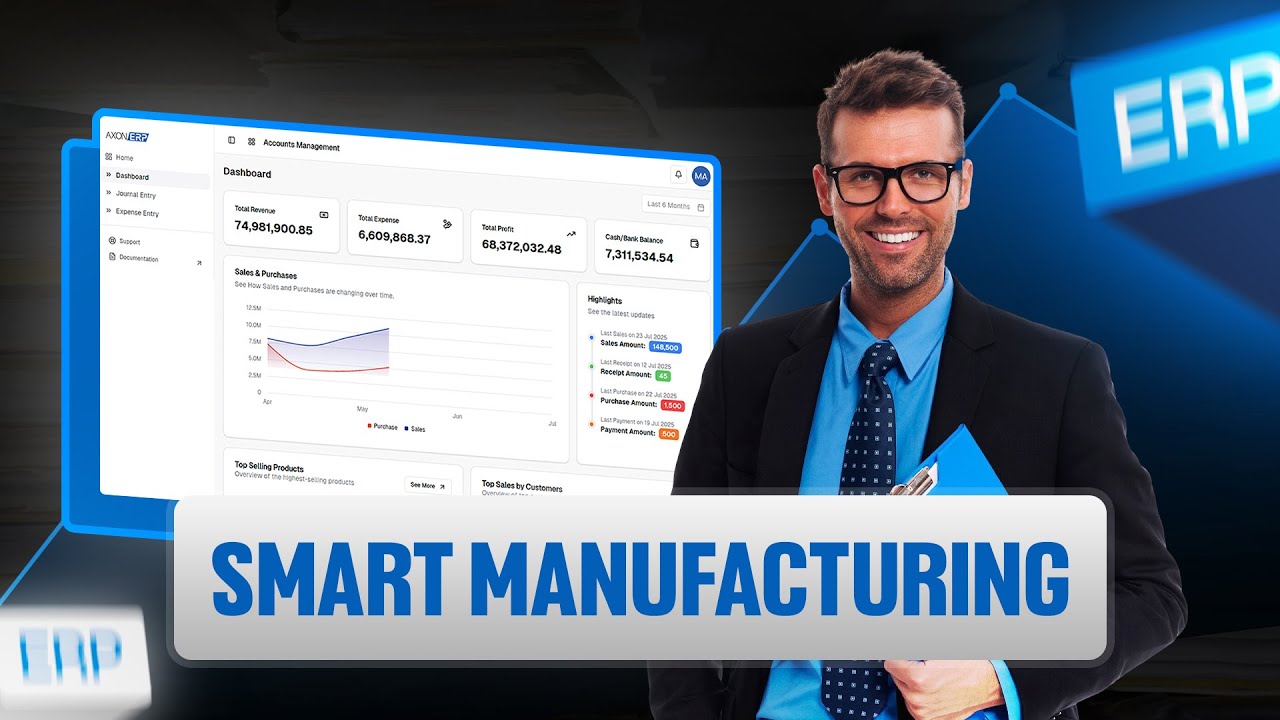
https://www.youtube.com/watch?v=F-jeJawAcN4
Comments (0)

Next Blogs

View All Blogs
Manufacturing Made Simple with Axon ERP

Manufacturing Made Simple with Axon ERP

31 weeks ago

Fix Your FBR Digital Invoice Error

Fix Your FBR Digital Invoice Error

31 weeks ago

Generate Item Barcode Easily

Generate Item Barcode Easily

30 weeks ago

Latest Blogs

What Actually Needs to Be Connected in a Wholesale Distribution Business?

What Actually Needs to Be Connected in a Wholesale Distribution Business?

4 weeks ago

How FBR Digital Invoicing Software Simplifies Business Compliance and IRIS Integration

How FBR Digital Invoicing Software Simplifies Business Compliance and IRIS Integration

6 weeks ago

How ERP Software Simplifies Sales Returns, Inventory Updates, and Customer Refunds

How ERP Software Simplifies Sales Returns, Inventory Updates, and Customer Refunds

6 weeks ago

View All Blogs